Every lead, every program, one dashboard.
See each lead with its program, campus and answers, where it came from, and whether it reached your CRM.
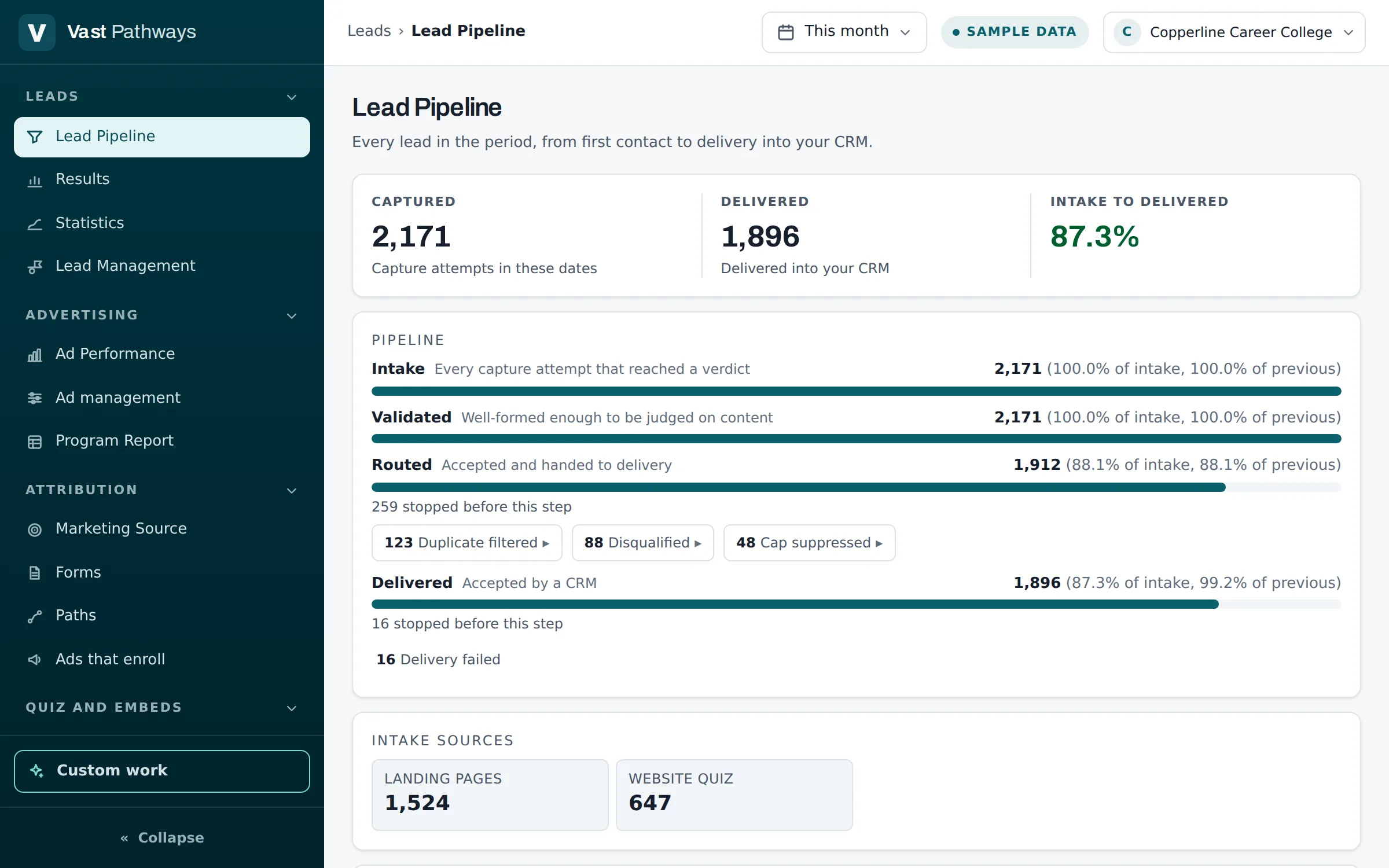
Lead pipeline
Leads by step, program and campus, with search and filters.
Quiz stats
Quiz views, starts, finishes and leads for each version you run.
CRM delivery status
See which leads reached your CRM and which need a second look.
What your team sees
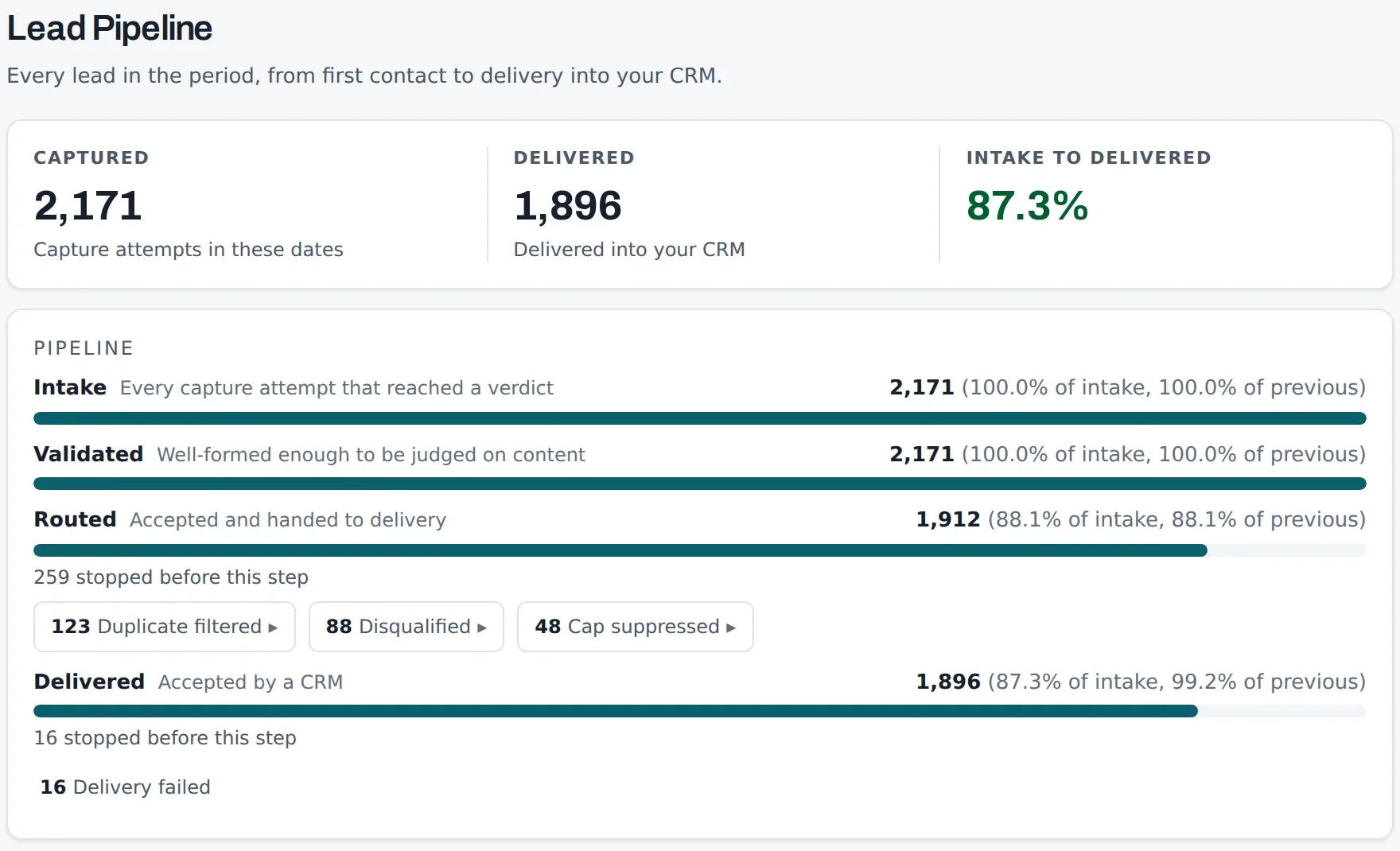
Captured and delivered
How many leads came in and how many reached your CRM.
Step by step
Where leads were stopped before reaching your CRM.
Filtered leads
Repeat inquiries, disqualified leads and leads over your cap, counted.
Common questions
How long does setup take?
You request access, and we set up logins for your team. The dashboard fills in as your quiz, pages and ads start sending leads.
What do you need from us?
The names and emails of the people who should have access, and your CRM details so delivery status can show.
See it in action
Try the sample quiz, request a look at the dashboard, or tell us what you need.