Landing pages your team can edit, without breaking them.
Pages built from tested templates. Your team changes the words and photos in Studio, and the layout, forms and tracking stay intact.
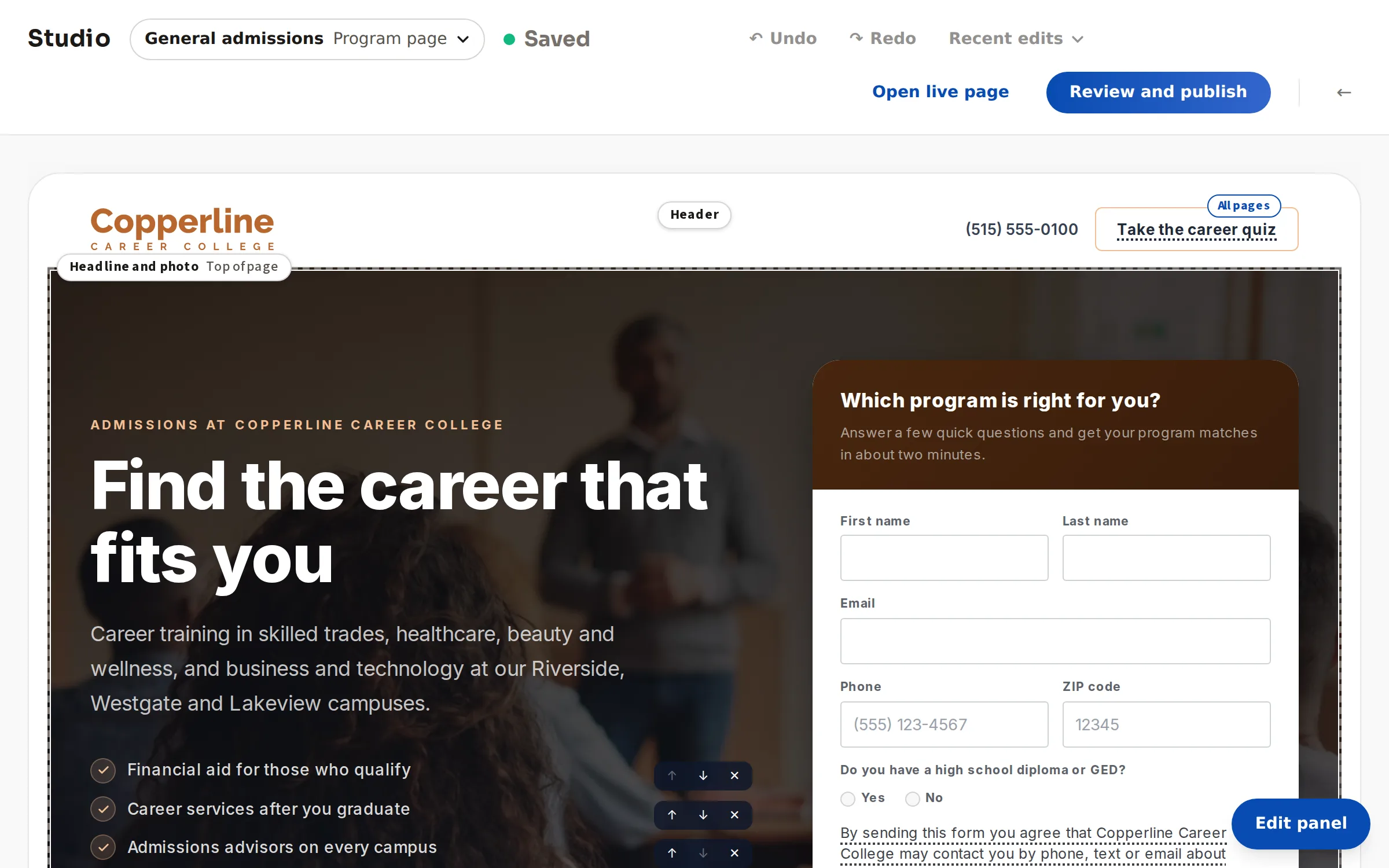
Edit in Studio
Change headlines, photos and program details in a simple editor, and preview before anything goes live.
Templates that work
Start from layouts built for enrollment and designed for phones first.
A/B/C tests built in
Try two or three versions of a page and compare how they do.
The editor your team uses
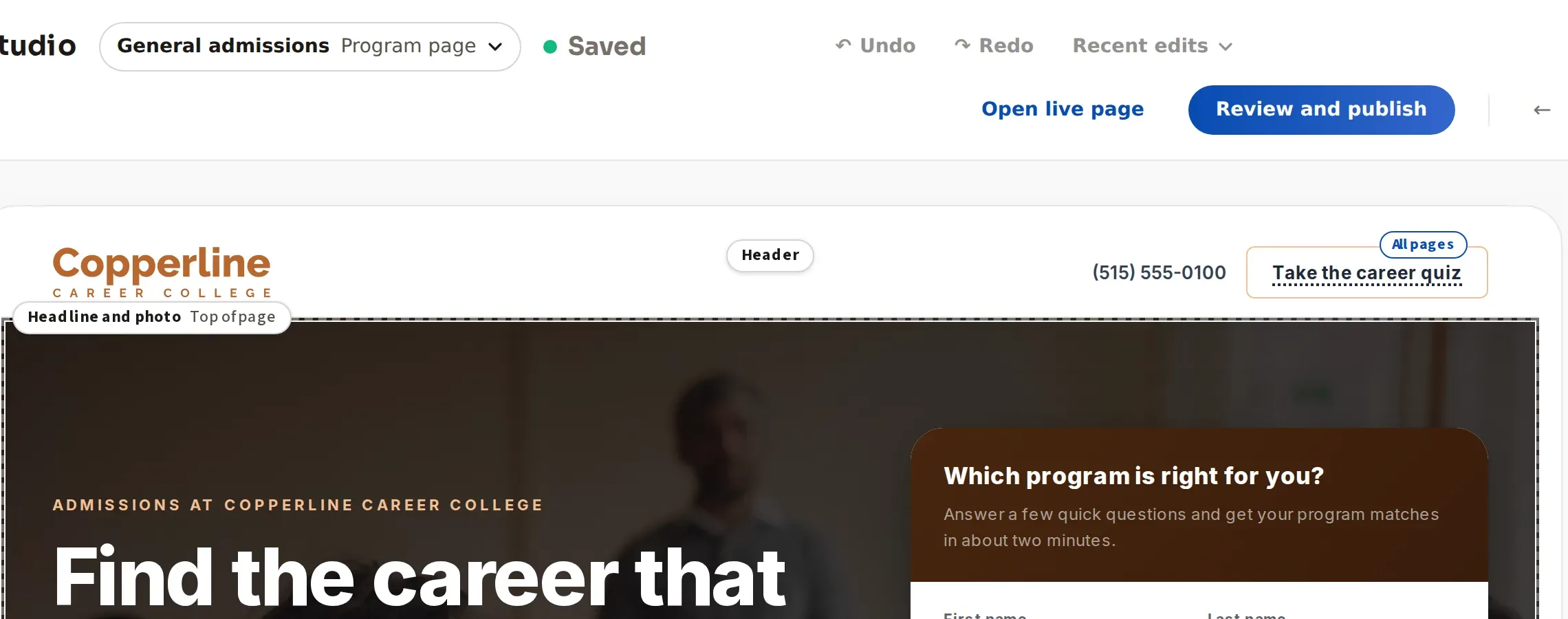
Saved, with undo and redo
Changes save as you go, and you can step back.
Review and publish
Check the page, then publish when you are ready.
Sections your team can edit
Each section is tagged, so headlines and photos change and the layout stays.
Common questions
How long does setup take?
We choose a template with you, build the page from your programs and photos, and show your team how to edit it in Studio. We confirm the timing in writing before we start.
What do you need from us?
Your logo, photos, program details and the next step you want visitors to take, such as tour, apply or call.
See it in action
Try the sample quiz, request a look at the dashboard, or tell us what you need.